We got tired of the same Samsung TV IPTV problems
Scroll IPTV forums and the complaints stack up: the same Xtream login works on your phone but shows “Authorization Failed” on the TV, channel lists that take 30–90 seconds to load, and players that stop working after a Tizen firmware update.
Smart IPTV, Flix IPTV, IPTV Smarters Pro, and others each solve part of the job — but users still wrestle with MAC activation on a website, per-TV fees, pasting M3U URLs with the remote, and apps that get slower as the TV runs out of memory.
- Apps delisted or unavailable on newer TVs
- Login works on mobile, fails on the TV
- 30–90s to load large channel lists
- MAC address + web portal setup
- Per-TV activation or yearly fees
- Firmware updates break playback
- EPG load slowing the whole app
- Looping, black screen & codec errors
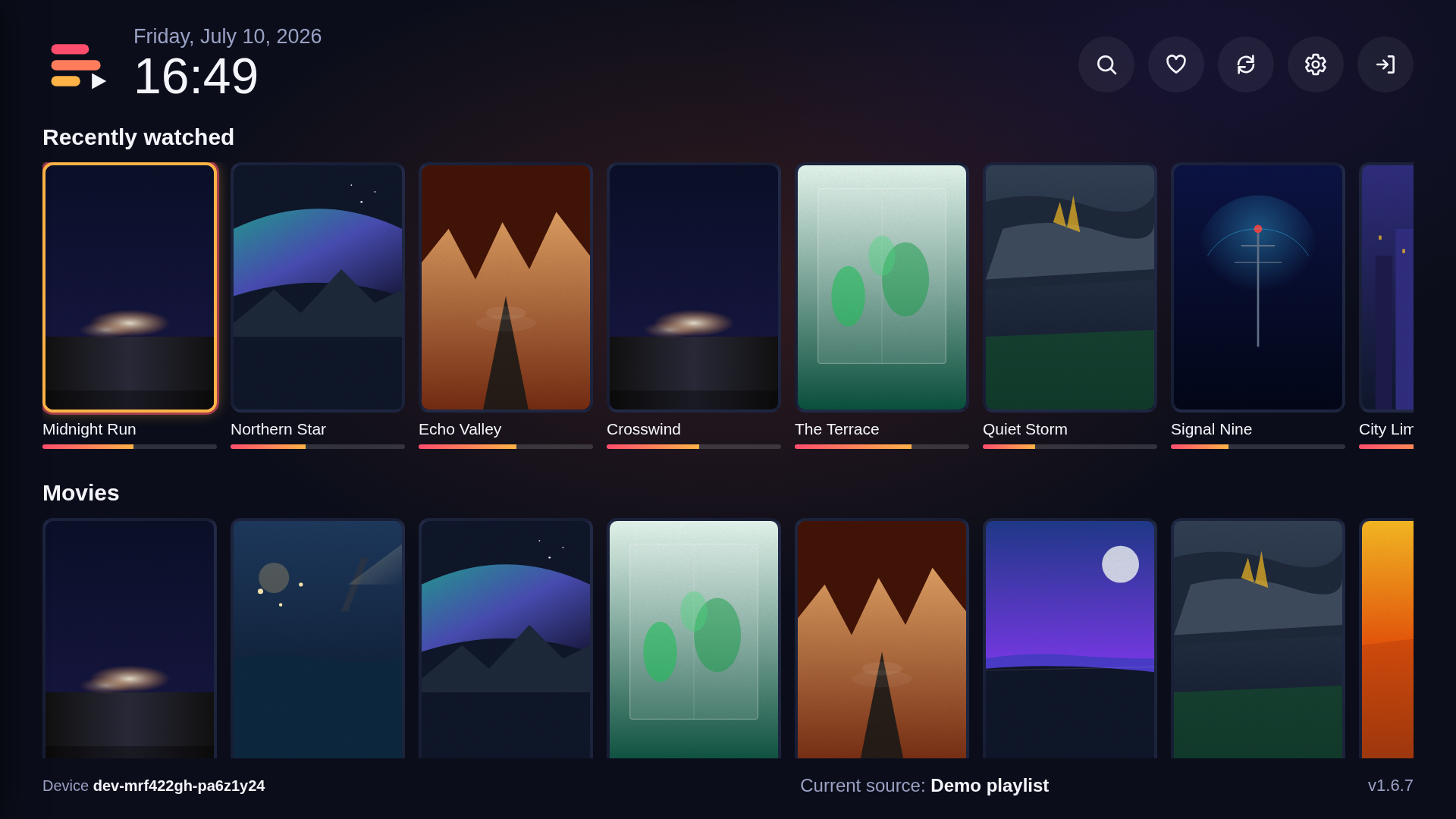
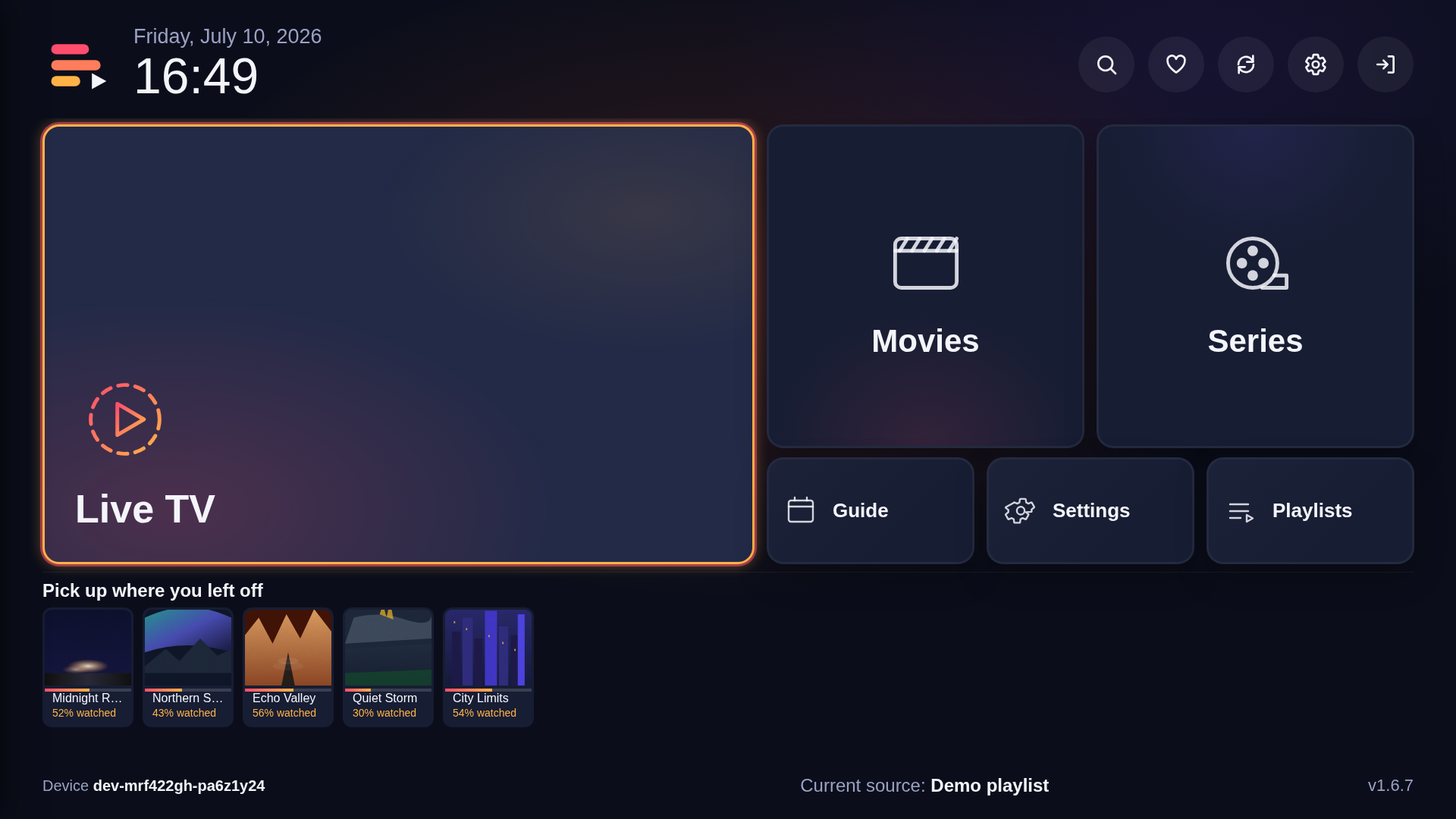
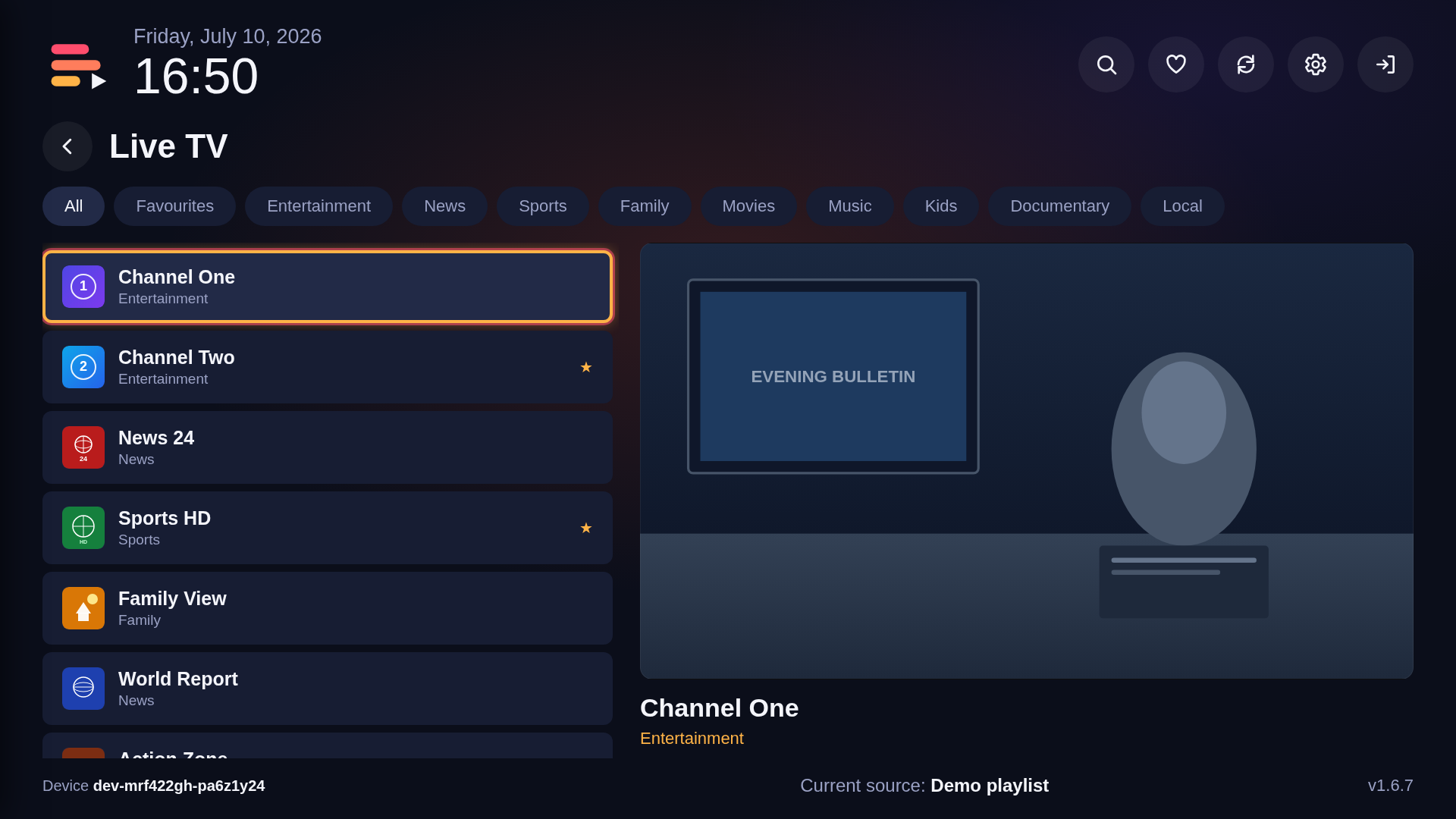
IPTV Spree is built for Samsung Tizen by people who watch IPTV on these TVs — phone pairing instead of MAC portals, cloud playlist sync, and a UI tuned for TV hardware. Our mission: make the best IPTV player for Samsung TVs.